
AxUSBshare
Use USB devices from another computer over the network
Use the license dongle, reader or USB printer attached to another computer as if it were plugged into yours, over the network.
The Server shares the USB devices plugged into it; each Client sees the device as if it were connected to its own machine.
A server where the USB is, a client where it is used
Install the Server
On the computer where the USB device is plugged in. Choose which devices to share and who can access them.
Install the Client
On the computer that will use the device. The Client is free.
Connect over the network
The device appears on the Client as if it were plugged in, and the application works as usual.
Sharing modes
One connection at a time: while one Client uses the device, no other can take it. To hand it over, just disconnect the first one.
Several Clients connected on compatible interfaces: with a HASP dongle, one computer at a time uses it and the others take over when it leaves; HID, microphone and webcam are distributed to all.
Protection dongles only: all Clients use the dongle at the same time, if the protected program accepts the license on more than one computer.
Devices
| Device | Mode |
|---|---|
| Compatible HASP dongle (vendor 0529) | Single, Multi or Simultaneous use |
| Keyboard, mouse, readers and other compatible HID | Single or Multi |
| Compatible microphone | Single or Multi |
| UVC webcam | Single or Multi |
| Flash drive and USB disk | Single |
| Printer, label printer and plotter | Single |
| Smart card, biometrics and serial | Single |
Compatibility depends on the USB interfaces, the driver and the application. Check the manual before sharing new equipment.
Features
Web panel
Server and Client with web panel (HTTP/HTTPS), administrator and certificates.
Runs as a service
Keeps working with nobody logged in.
Access control
Define which addresses may use each device.
Windows and Linux
Server and Client for 64-bit Windows and Linux x64 (with systemd and USB/IP).
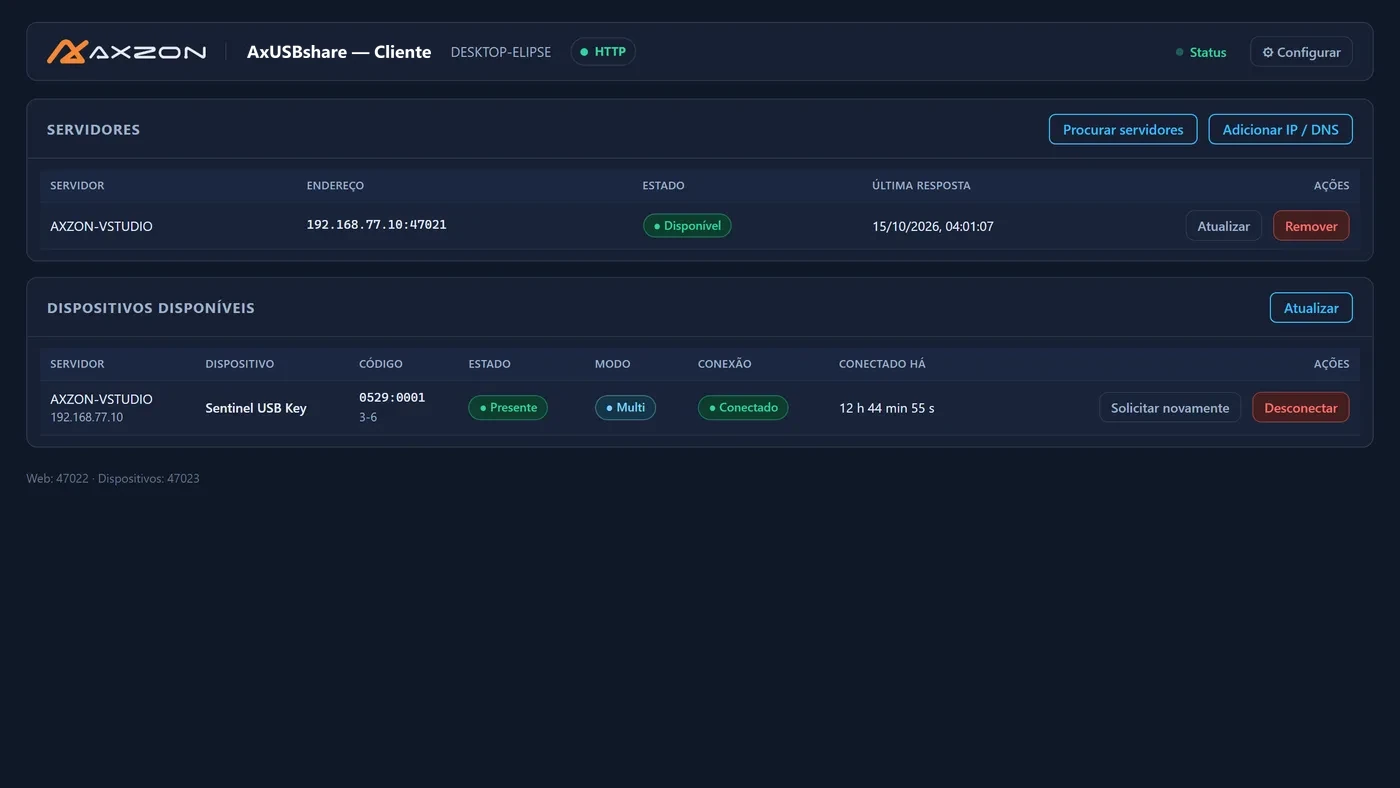
License and trial
- Only the Server needs a license; the Client is free
- Per-computer license, activated even offline
- 30-day trial with 1 device and 1 connection
- User manual for customers
Frequently asked questions
Can I use a HASP dongle on several computers at once?
It depends on the mode. In Multi, several computers stay connected and one at a time uses the dongle; when it leaves, another takes over. In Simultaneous use, all of them use the dongle at the same time, but only if the protected program accepts the license on more than one computer. Always follow the licensing rules of the application that uses the dongle.
Do I need to pay for the Client?
No. Only the Server, installed on the computer where the USB device is plugged in, needs a license.
Does it work with nobody logged in?
Yes. Server and Client run as services on Windows and Linux x64 and start again on their own when the computer restarts.
Does every USB device work?
Many devices work in Single; Multi depends on compatible interfaces. Test with the 30-day trial before buying.
Test AxUSBshare with one of your devices
Download the 30-day trial or talk to our team.